
Summary: A Screen Hider App offers a convenient way to improve visual privacy on your smartphone. Learn about its privacy controls, screen-covering options, installation process and important safety considerations.
Introduction
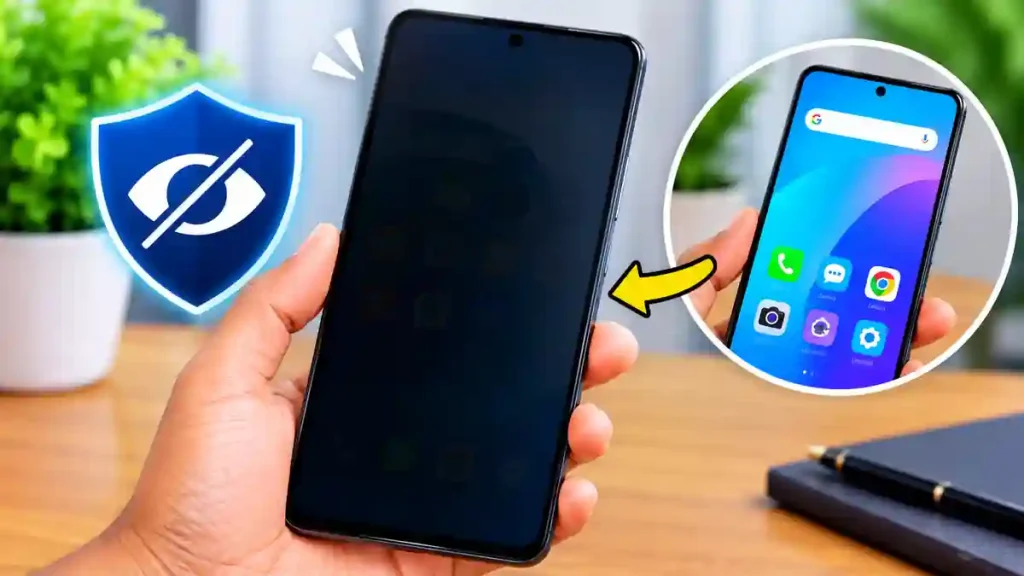
A Screen Hider App is designed for smartphone users who want more control over what other people can see on their displays. When checking notifications, reading private conversations or accessing personal information in public, unwanted viewing can become a concern. A screen hiding application can help by placing a digital filter or adjustable cover over the display. Different applications offer different levels of customization, allowing users to choose how much of their screen remains visible. This guide explores the technology behind these tools, their practical uses, installation steps and the things you should consider before choosing one.
How Does a Screen Hider App Work?
Most screen hiding tools use an on-screen overlay that sits above other applications. This overlay may darken the display, cover selected sections or reduce visibility according to the settings chosen by the user. Some tools provide adjustable opacity, allowing users to control how transparent or dark the filter appears.
The actual experience depends on the Android version and the permissions supported by the device. These applications generally change how the display looks rather than changing the content inside other applications. They are useful for reducing casual viewing by nearby people, but they should not be considered a replacement for device encryption or account security.
9 Practical Uses of Screen Hiding Tools
A mobile privacy filter can be helpful in several everyday situations:
- Public Transport: Reduce the visibility of personal screen content while travelling.
- Office Privacy: Keep confidential-looking information less noticeable in shared workspaces.
- Private Messaging: Add a visual cover while reading conversations.
- Notification Privacy: Reduce the visibility of notification previews.
- Nighttime Viewing: Apply a darker display overlay when appropriate.
- Banking Activities: Make casual shoulder-surfing more difficult.
- Custom Screen Coverage: Cover specific display areas when supported.
- Quick Privacy Control: Activate or deactivate the filter using available shortcuts.
- Personal Display Settings: Customize the appearance of the screen according to individual preferences.
Table of Contents
How to Install and Configure a Screen Hider App
Follow these simple instructions to get started:
- Open the Google Play Store on your Android device.
- Search for screen privacy or screen hiding applications.
- Compare ratings, recent reviews and developer information.
- Select an application that supports your Android version.
- Install it and open the application.
- Read the permission requests carefully.
- Configure the overlay, opacity and available privacy options.
- Test the settings before using the application in public.
What Should You Check Before Choosing an App?
Do not select an application based only on its name or download count. Check whether its features match your requirements and whether the developer provides a clear privacy policy. Review the requested permissions, particularly accessibility and display-over-other-apps access. Also consider advertisements, subscription charges, recent updates and compatibility with your phone.
A software privacy filter may not work with every application or screen. It cannot guarantee protection against screenshots, screen recording or someone physically accessing your device.
Frequently Asked Questions
Does a Screen Hider App hide the entire display?
Some applications offer full-screen overlays, while others support partial screen coverage. Available options depend on the application.
Can I customize the screen filter?
Many applications provide settings for darkness, transparency and overlay appearance.
Does it work while using other apps?
Applications with supported overlay permissions may display their privacy filters above other applications.
Can I use a screen hider without internet?
Some basic overlay features may work offline. However, advertisements, updates and online services may require an internet connection.
Is a screen hider enough to protect personal data?
No. It mainly provides visual privacy. Use a strong screen lock, secure passwords and appropriate privacy settings for better protection.
Conclusion
Screen hiding tools offer an additional layer of visual privacy for everyday smartphone use. By choosing a compatible application and configuring its available controls, users can make their displays less noticeable to nearby people. Always review permissions and remember that visual privacy is only one part of mobile security.
- KASP Insurance Online Apply Kerala 2026: 5 Lakh Free Treatment
- Screen Hider: Privacy Guard – Google Play Apps on Google Play
- Google Play Official Help Centre