
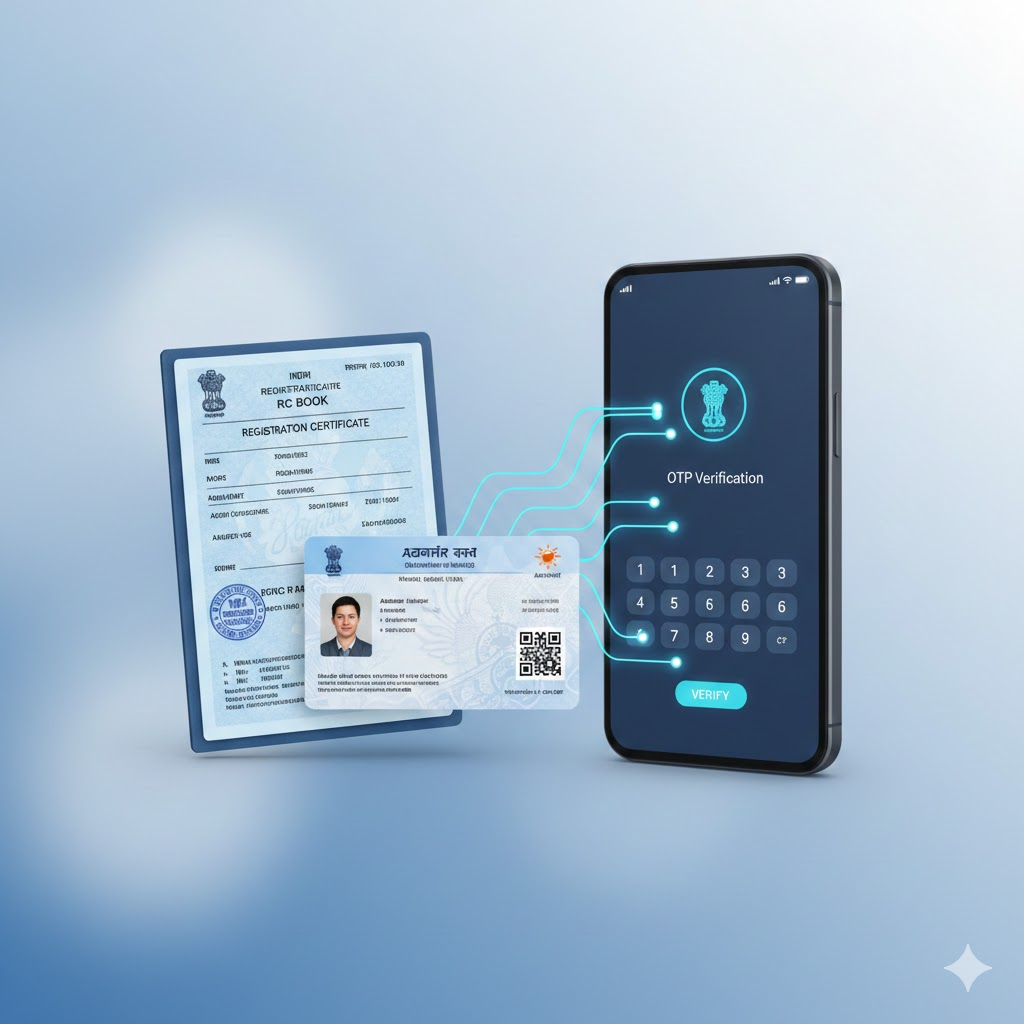
In today’s digital India, linking your Aadhaar with various documents is a key step for streamlined government services. The RC Book Aadhaar Link is one such crucial update mandated by the Ministry of Road Transport and Highways. This process, often called vehicle KYC or Aadhaar seeding online, authenticates the vehicle owner’s identity, reduces fraud, and simplifies RTO-related transactions. Completing your RC Book Aadhaar Link enhances security, enables faster services like ownership transfer, and is essential for using digital RC on apps like mParivahan. This guide will walk you through the simple online process to achieve your RC Book Aadhaar Link from home.
What You Need Before Starting the RC Book Aadhaar Link
Before you begin the online process, ensure you have the following details and documents ready:
- Your 12-digit Aadhaar Number.
- The mobile number registered and linked with your Aadhaar for Aadhaar OTP verification.
- Your Vehicle’s RC Number (e.g., DL01AB1234).
- The last 4 digits of your vehicle’s Chassis Number. This is found on your RC book.
- An active internet connection.
Step-by-Step Guide to Link Aadhaar with RC Book Online
Follow these clear steps to complete your RC Book Aadhaar Link via the Parivahan portal.
Step 1: Visit the Official Portal
Go to the official Parivahan Aadhaar Seeding page:
https://parivahan.gov.in/en/content/other-services-page
Step 2: Select Your State
From the drop-down menu, choose the state where your vehicle is registered.
Step 3: Choose Service Type
Select the option “Aadhaar Seeding for RC” or “RC Aadhaar Link” from the list of services.
Step 4: Enter RC Details
Enter your vehicle’s RC details—the full Registration Certificate number as printed on your RC book.
Step 5: Enter Chassis Number
Input the last four characters/digits of your vehicle’s Chassis Number (Engine Number may also be accepted). Double-check for accuracy.
Step 6: Enter Aadhaar Number
Type your 12-digit Aadhaar number carefully in the designated field.
Step 7: Generate OTP
Click on the “Generate OTP” button. An OTP will be sent to the mobile number linked with your Aadhaar.
Step 8: Verify with OTP
Enter the received OTP on the portal screen for Aadhaar OTP verification. This step authenticates your identity.
Step 9: Submit and Confirm
Click “Submit” or “Verify”. You will see a confirmation message on screen, and a successful RC Book Aadhaar Link is complete. You may receive an SMS confirmation.
Key Benefits of Completing Your RC Book Aadhaar Link
Why should you complete this RC update online? Here are the major benefits:
- Simplified KYC: It serves as a one-time vehicle KYC update, valid for all future RTO transactions.
- Hassle-Free Services: Enables easy online verification for services like duplicate RC, transfer of ownership, or hypothecation removal without multiple documents.
- Digital RC Access: Essential for generating and using a validated digital RC on the mParivahan app, which is a legally accepted document.
- Reduces Fraud: Links your biometric identity to your vehicle, minimizing identity-related fraud.
- Faster Challan Resolution: Streamlines the process of verifying and paying e-challans online.
Common Problems & Solutions During RC Book Aadhaar Link
- OTP Not Received: Ensure your mobile is linked to Aadhaar. You can check at an UIDAI centre or online. Wait for 2-3 minutes and request again.
- RC Details Not Found: Re-enter your RC details carefully. Ensure you have selected the correct state of registration.
- Aadhaar Name Mismatch: Minor differences (like initials) may not cause issues. For major mismatches, update your Aadhaar details first via UIDAI.
- Invalid Chassis Number: Carefully copy the last 4 digits only from your physical RC document. Do not enter the full number.
- Server Error/Page Not Loading: The Parivahan portal can be busy during peak hours. Try again later, preferably during non-peak hours like early morning or late evening.
Official Parivahan Aadhaar Seeding Portal:
| Parivahan Other Services Page | Visit Page |
Conclusion
The RC Book Aadhaar Link is a simple yet vital digital task for every vehicle owner in 2025. By following this straightforward guide on the Parivahan portal, you can complete your Aadhaar seeding online in just a few minutes from home. This mandatory vehicle KYC update not only secures your vehicle documents but also unlocks the convenience of fully digital RTO services. Don’t delay—use this guide to complete your RC Book Aadhaar Link today and enjoy a smoother, more secure motoring experience.
How to Earn ₹500–₹2000 Per Day Online (Legit India Guide 2025)
How to Transfer Large Money Safely Online (NEFT/RTGS/IMPS Guide 2025)