
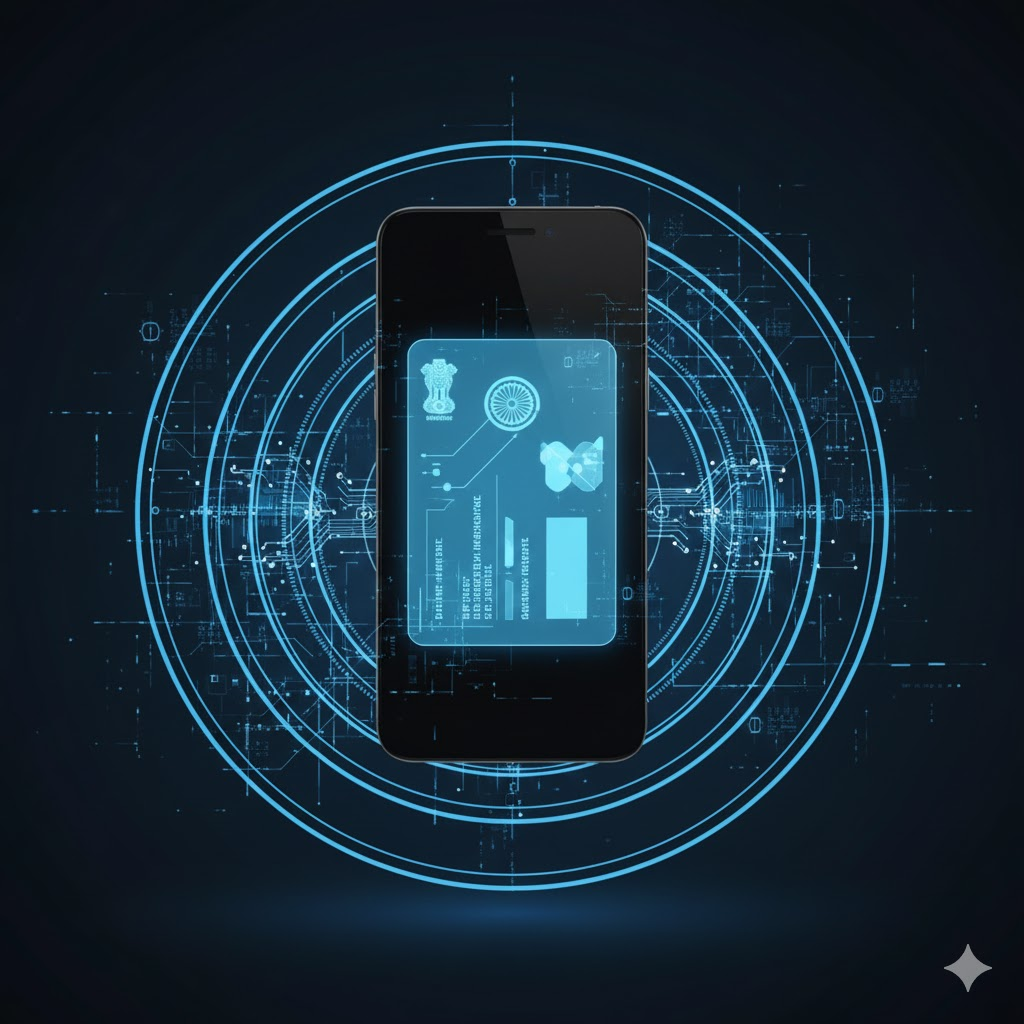
India’s digital transformation has made a secure, verifiable digital identity more crucial than ever. From banking to travel, proving who you are is a daily necessity. The Aadhaar card, while revolutionary, presents a modern challenge: how to carry and use this vital identity document securely and conveniently in a mobile-first world. Enter the Aadhaar Pehchaan App, the official mobile solution from the Unique Identification Authority of India (UIDAI). This innovative application is redefining identity verification, moving it from a physical plastic card to a secure, biometric-secured tool in your pocket. This guide explores the Aadhaar Pehchaan App in detail, explaining its purpose, standout features, and how it simplifies life for millions.
What is the Aadhaar Pehchaan App?
The Aadhaar Pehchaan App is the official UIDAI mobile application designed to empower Indian residents with a powerful digital identity tool. Its core purpose is to enable instant identity verification using advanced Aadhaar face authentication, eliminating the routine need to carry a physical Aadhaar card. More than just a digital copy, the app functions as a secure gateway to a range of Aadhaar services on mobile, built for faster, safer, and more convenient use of your Aadhaar in everyday scenarios. As a trusted Aadhaar verification app, it brings the authority and security of UIDAI directly to your smartphone.
Why the Aadhaar Pehchaan App is Important
In the accelerating growth of Digital India, the demand for quick, foolproof identity checks has skyrocketed. Online applications for everything from loans to job portals require seamless identity verification India. The Aadhaar Pehchaan App meets this need head-on. It’s important because it directly combats identity fraud, improves access to services for citizens, and streamlines customer onboarding for businesses. By providing a secure Aadhaar login via biometrics, the app empowers users, reduces the risk of document loss or misuse, and aligns with the national vision of a digitally empowered society.
Key Features of the Aadhaar Pehchaan App
The power of the Aadhaar Pehchaan App lies in its thoughtfully designed features:
- Face Authentication Login: This is the cornerstone. Using UIDAI’s latest biometric technology, you log in by simply scanning your face, ensuring a secure Aadhaar login that is virtually impossible to forge.
- Digital Aadhaar Access: Your Aadhaar details are accessible anytime, anywhere, in a secure digital format.
- QR Code & Offline Verification: Generate a time-based QR code that verifiers can scan to confirm your identity offline, sharing only necessary details.
- Secure Identity Sharing: For eKYC purposes, you can securely share your identity with consent, without revealing your full Aadhaar number.
- Encrypted & User-Friendly: All authentication is end-to-end encrypted. The mobile interface is designed for ease of use, promoting paperless identification.
- Profile Management: A simple dashboard lets you view your basic profile linked to your Aadhaar digital identity.
How to Use the Aadhaar Pehchaan App (Step-by-Step Guide)
Using the Aadhaar Pehchaan App is straightforward:
| Aadhaar – iOS App | 📱 Download on App Store |
| Aadhaar – Android App | 🤖 Get it on Google Play |
- Visit the Google Play Store and search for “Aadhaar Pehchaan App” by UIDAI. Ensure it’s the official developer.
- Download and install the verified application.
- Open the app and enter your 12-digit Aadhaar number.
- Complete an OTP verification sent to your Aadhaar-registered mobile number.
- Grant necessary camera permissions for the Aadhaar face authentication setup.
- Follow the on-screen guide to scan your face within the frame for initial registration.
- Once authenticated, you can access your digital Aadhaar, generate QR codes, and use all services.
- For future logins, simply use face authentication. Use the app for eKYC wherever accepted.
Who Can Use the Aadhaar Pehchaan App?
The Aadhaar Pehchaan App is designed for virtually every Indian resident. It is exceptionally useful for:
- Students needing ID verification for exams or forms.
- Employees requiring frequent identity checks.
- Individuals applying for SIM cards, bank accounts, or loans.
- Beneficiaries of government welfare schemes.
- Travelers needing quick ID at hotels or airports.
- Essentially, anyone who needs instant, secure access to their Aadhaar details.
Benefits of the Aadhaar Pehchaan App
Adopting the Aadhaar Pehchaan App offers numerous advantages:
- Convenience: No need to carry or risk losing your physical card.
- Speed: Quick identity verification in seconds with face scan or QR code.
- Security: Tamper-proof and encrypted, reducing the risk of Aadhaar misuse.
- Efficiency: Faster customer onboarding for banks, telecom providers, and more.
- Access: Simplifies authentication for government subsidies and online applications.
Security and Privacy of the Aadhaar Pehchaan App
Security is paramount for UIDAI. The Aadhaar Pehchaan App operates under strict protocols:
- Your biometric data is not stored on your phone or the app.
- Aadhaar face authentication matches happen on secure UIDAI servers via encrypted channels.
- End-to-end encryption protects all transactions.
- Crucially: Only download the app from the official Google Play Store to avoid fake, malicious versions. Never install via unofficial APK links.
Real-Life Uses of the Aadhaar Pehchaan App
Imagine using the Aadhaar Pehchaan App to:
- Complete bank KYC for a new account by sharing a secure QR code.
- Verify your identity for a new SIM card purchase.
- Swiftly complete loan KYC documentation.
- Prove your identity during hotel check-in or at an examination centre.
- Seamlessly onboard onto a new digital identity India platform or government service portal.
Conclusion
The Aadhaar Pehchaan App is a significant leap forward in India’s digital identity ecosystem. It transforms your Aadhaar from a static document into a dynamic, keyless, and incredibly secure tool for modern living. By embracing this official UIDAI Aadhaar app, residents can enjoy unparalleled convenience and safety, reducing dependency on physical documents and stepping confidently into a digital future. For the safest experience, always ensure you download the genuine Aadhaar Pehchaan App only from UIDAI’s official channel on the Play Store.
| Aadhaar – iOS App | 📱 Download on App Store |
| Aadhaar – Android App | 🤖 Get it on Google Play |