
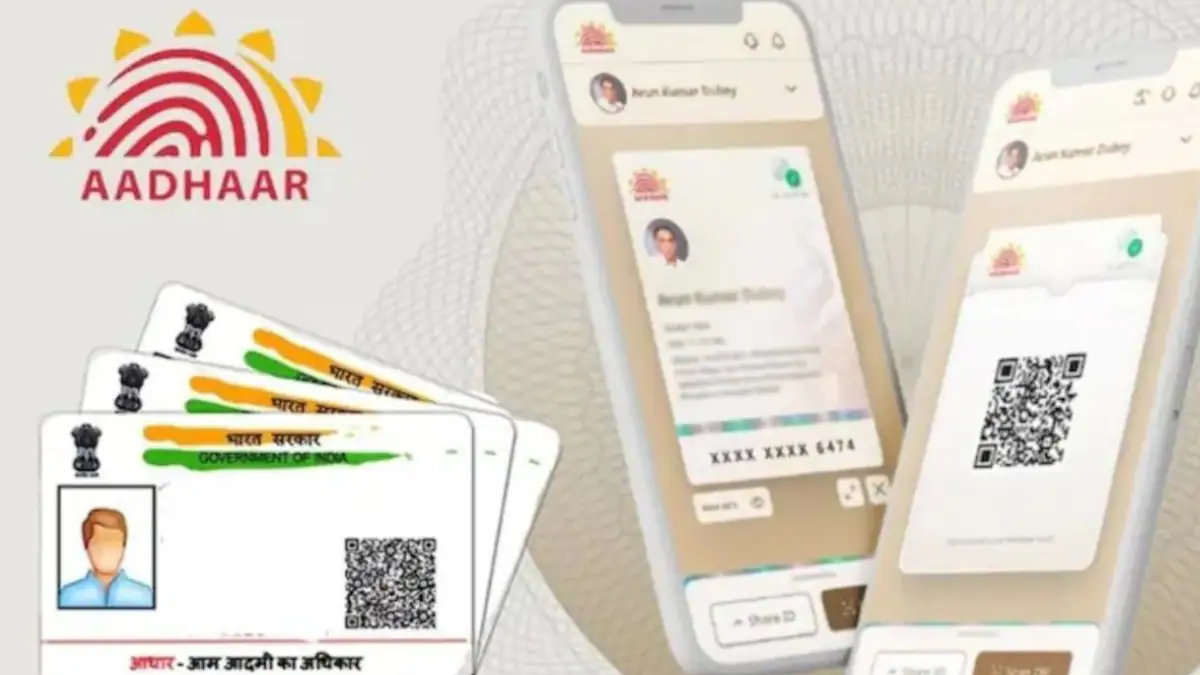
Your Aadhaar card is one of the most important identity documents in India. It is used for everything from opening a bank account to getting a new SIM card. That is why keeping your details, especially your mobile number and address, updated is crucial.
In 2026, the process is easier than ever. While some changes still require a visit to a center, many updates can now be done from the comfort of your home using the official mAadhaar app. Here is a simple, step-by-step guide to help you through it.
What Is the mAadhaar App?
The mAadhaar app is the official mobile application created by the Unique Identification Authority of India (UIDAI) . Think of it as your digital Aadhaar wallet.
- It allows you to carry your Aadhaar on your phone without needing the physical card.
- You can download it for free on both Android and iPhone.
- It is a secure way to manage your Aadhaar details, download a digital copy, and even update certain information.
Official Download Links:
Android
📱 Download mAadhaar App (Android)
iOS
📱 Download mAadhaar App (iPhone)
What Details Can You Update Using the App?
Before you start, it is important to know exactly what the app can and cannot do. This will save you time and confusion.
✅ You CAN Update Using the App:
- Address: You can submit a request to change your address online. You will need to upload a valid proof of your new address.
❌ You CANNOT Update Directly Using the App:
- Mobile Number: This is a common point of confusion. To update your mobile number, you must visit a physical Aadhaar Enrolment Center. This is because updating a mobile number requires biometric verification (fingerprint and iris scan) to ensure security.
How to Update Address Using mAadhaar App (Step-by-Step)

If you have moved to a new house and need to update your address, follow these simple steps:
- Open the App: Launch the mAadhaar app on your smartphone.
- Login: You will need to log in using the mobile number that is currently linked to your Aadhaar.
- Enter OTP: An OTP (One-Time Password) will be sent to that number. Enter it to access your profile.
- Find Update Option: On the home screen, look for the “Update Aadhaar” or “Update Demographics Data” option and tap it.
- Select Address: Choose “Address Update” from the list of options.
- Enter New Address: Carefully type in your new address details exactly as they appear on your supporting document.
- Upload Proof: You will need to upload a clear photo or scan of a valid address proof document (see list below).
- Submit: Review all the details and click submit. You will receive an Update Request Number (URN) . Save this number to track your request status.
Documents Required for Address Update
To successfully update your address online, you need a valid document. Here are some common examples accepted by UIDAI:
- Electricity Bill (should not be older than 3 months)
- Bank Passbook (with photo and address)
- Rental Agreement (registered)
- Passport
- Post Office Account Statement
- Water Bill
How to Update Mobile Number
As mentioned earlier, updating your mobile number requires a physical visit. Here is what you need to do:
- Locate a Center: Find your nearest Aadhaar Enrolment/Update Center.
- Fill the Form: Ask for the Aadhaar Update/Correction Form.
- Submit Details: Fill in your Aadhaar number and the new mobile number you want to link.
- Biometric Verification: The executive will verify your identity using your fingerprints and iris scan. This is mandatory.
- Pay the Fee: There is a nominal fee for this service (usually around ₹50). You will receive an acknowledgement slip with the Update Request Number (URN).
Benefits of Using the mAadhaar App
Even though you cannot change your mobile number through the app, it is still an incredibly useful tool to have on your phone.
- Digital Access: You don’t need to carry the physical card.
- Track Status: You can easily check the status of your address update or mobile number update requests using your URN.
- Secure Storage: Your details are locked with a password or biometric lock for safety.
- Time-Saving: It saves you from standing in long queues for simple tasks like downloading a PDF version of your Aadhaar or checking your balance.
Tips for a Smooth Update
- Use Correct Documents: Ensure your address proof matches the details you are entering.
- Keep Number Active: For the OTP to work, your current mobile number linked to Aadhaar must be active.
- Double-Check Details: A small spelling mistake can cause delays. Review your details before submitting.
- Save the Acknowledgement: Always note down your Update Request Number (URN) or SRN (Service Request Number) until the process is complete.
Official Download Links:
Android
📱 Download mAadhaar App (Android)
iOS
📱 Download mAadhaar App (iPhone)
Final Thoughts
Updating your Aadhaar details is no longer a difficult task. Thanks to UIDAI’s digital initiatives, you can now update your address easily through the mAadhaar app without visiting a center.
While the mobile number update still requires a one-time visit for security reasons, the overall process is straightforward. Download the mAadhaar app today to manage your Aadhaar details safely and conveniently from your smartphone.