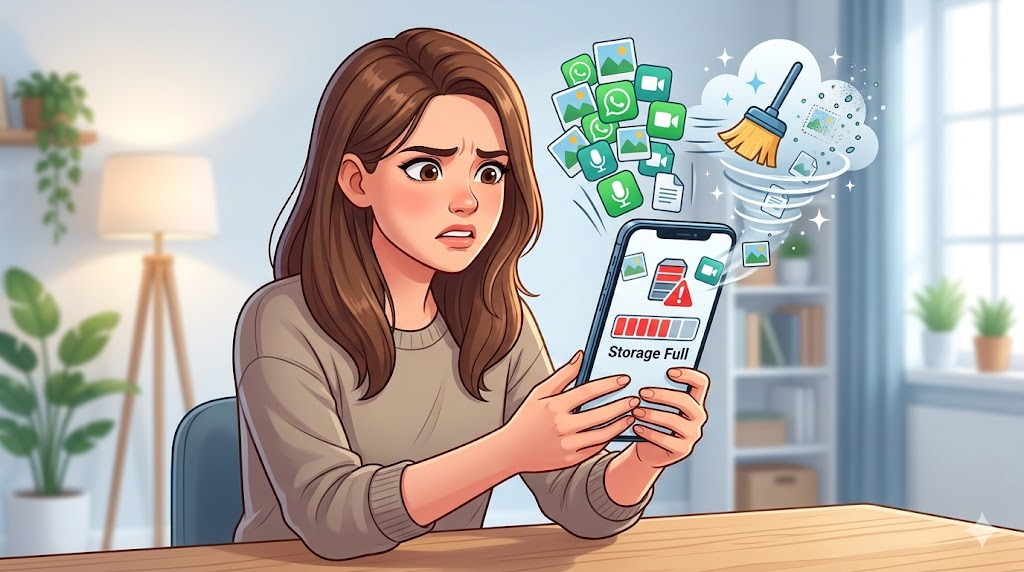
Is your phone always screaming, “Storage Almost Full”?
You delete a few old apps, move some photos to the cloud, but within days—the warning is back. Sound familiar? The hidden culprit is probably sitting right in your pocket: WhatsApp.
We use it every day, but behind the scenes, those cute cat videos, voice notes, and group memes are silently eating up your phone’s memory. The good news? You don’t need a tech degree to fix it. Here is the smart, easy way to clean WhatsApp storage in 2026.
Why WhatsApp Eats So Much Space
Unlike your camera roll, WhatsApp auto-saves everything. By default, it downloads every photo, video, and document sent to you. Multiply that by busy family groups and forwarded files, and you end up with:
- Heavy group media – 50+ photos from one weekend party.
- Duplicate files – the same meme forwarded ten times.
- Old documents & voice notes – forgotten but still taking space.
The Smarter Solution: A Dedicated App
Manually scrolling through years of chats is exhausting. That’s where a WhatsApp storage cleaner app comes in. Instead of guessing what to delete, use a tool designed for this exact job.
Meet Cleaner for WhatsApp – a simple, lightweight app that scans your WhatsApp folder and organizes everything for you. It shows exactly what’s wasting space, so you don’t accidentally remove precious memories.
👉 Download Cleaner for WhatsApp on Google Play
What You Can Remove in Seconds
With this app, cleaning isn’t a chore anymore. You can:
- Delete large videos – the biggest space hogs.
- Find duplicate images – keep one, delete the rest.
- Remove old forwarded files – that “good morning” image from 2022.
- Clear unused audio and documents – instantly free up space.
How to Clean WhatsApp Storage (3 Simple Steps)
- Install the app and open it.
- Allow storage permission – so it can scan WhatsApp files.
- Tap Scan – review the sorted media and hit delete.
That’s it. No complex settings. No rooting your phone.
When Should You Use It?
- Your phone runs slower than usual.
- You see the “insufficient storage” error.
- You’re in 5+ active WhatsApp groups.
- You receive media daily and never clean up.
A Few Friendly Cautions
Before hitting “delete all,” remember:
- Double-check important chats.
- Backup your WhatsApp conversations first (Settings > Chats > Chat backup).
- Avoid deleting useful documents like school notes or work files.
Why You’ll Love This Method
Using Cleaner for WhatsApp as your WhatsApp junk remover gives you:
- Instant free space on your Android.
- Faster phone performance.
- A clean, easy interface – no tech headaches.
Final Take
Keeping your phone healthy doesn’t have to be stressful. With a smart tool like Cleaner for WhatsApp, you can free phone space on Android in under two minutes. No more “storage full” anxiety—just a faster, cleaner device ready for what matters most.
WhatsApp Cleaner App (Android)
🧹 Clean WhatsApp Storage & Free Space (Android App)